
How to check your credit report
Learn how to check your TransUnionTM and Equifax® credit reports using our mobile and online services.
Instructions
- Mobile app
- Web browser
Mobile app
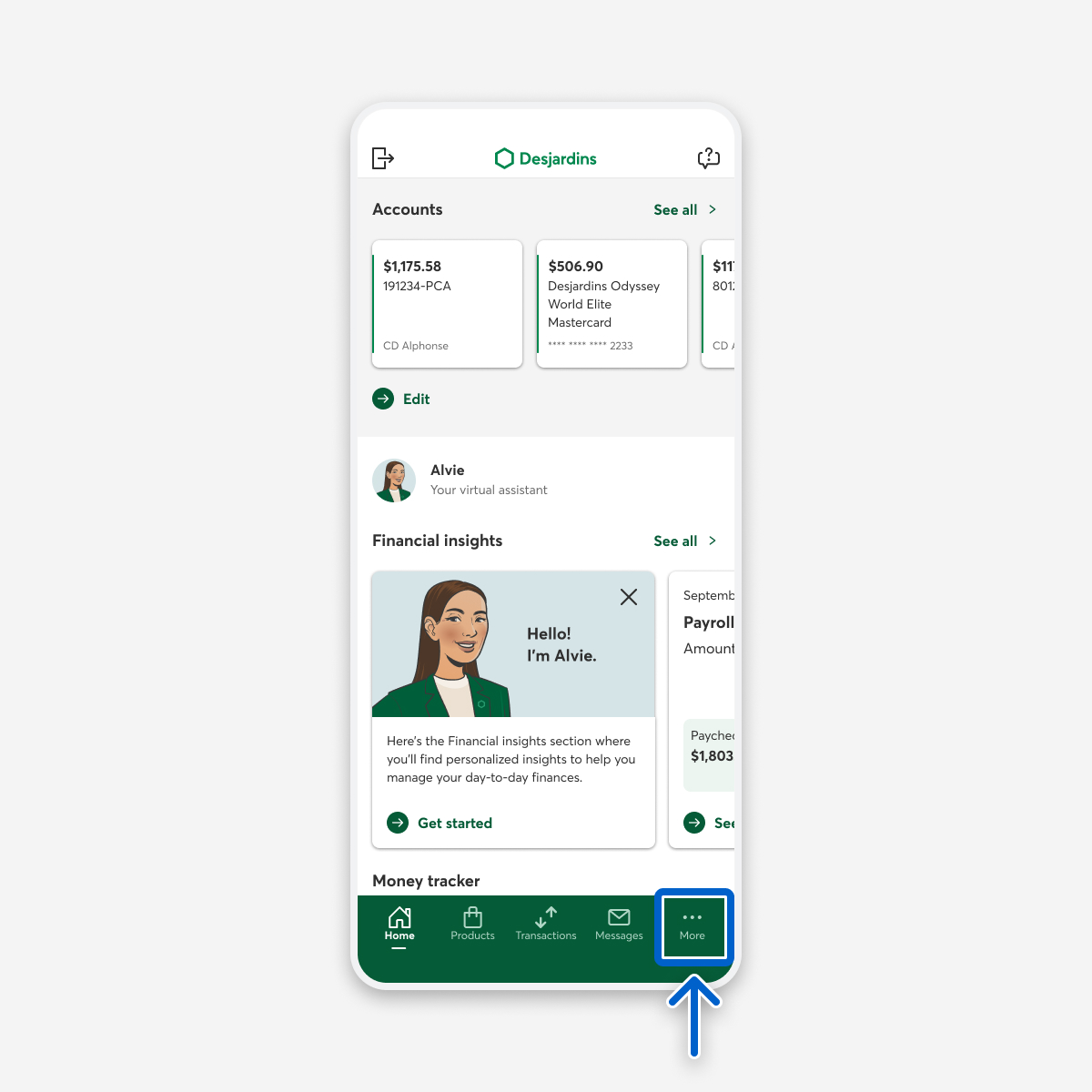
Log in to the Desjardins mobile services app, then select the More tab.
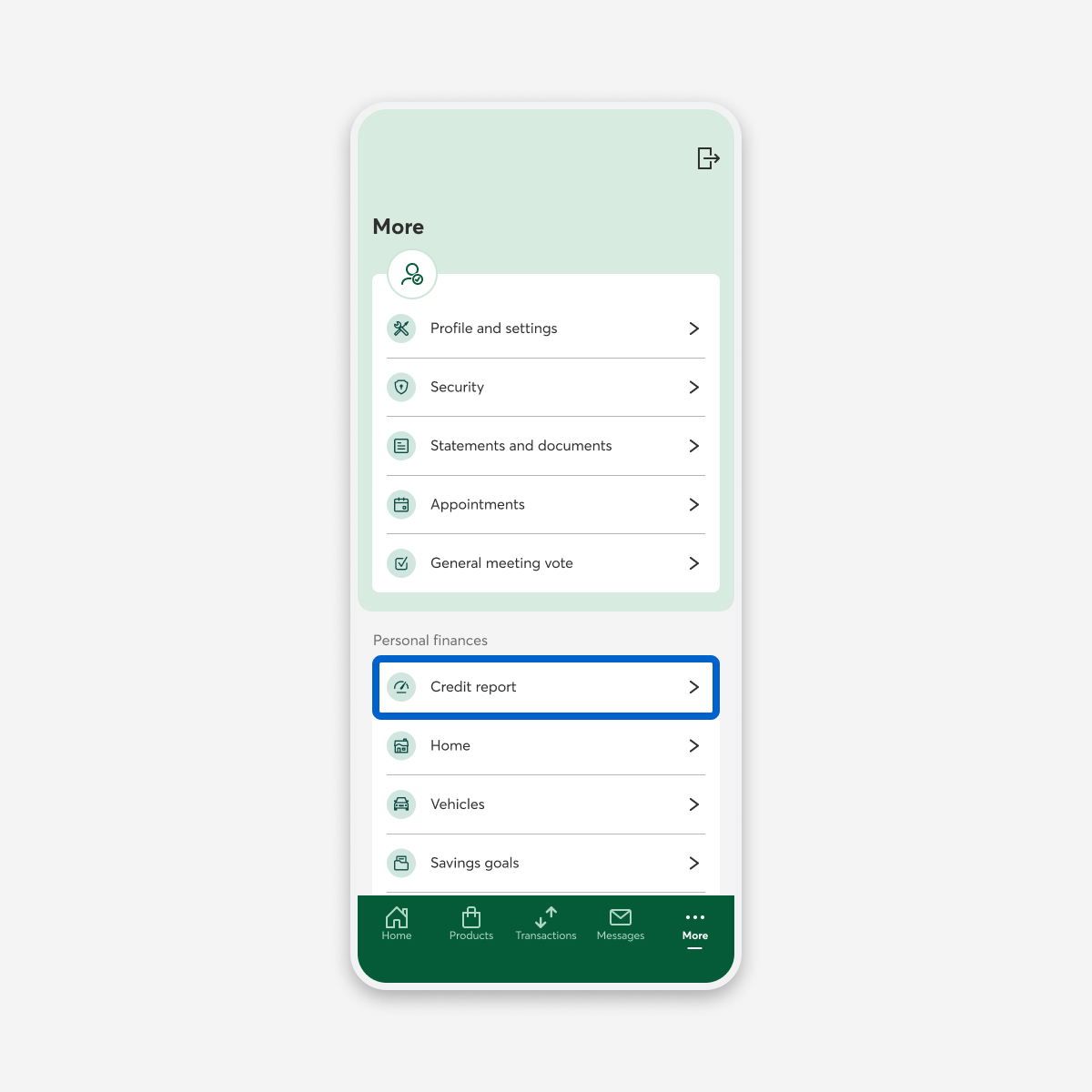
Select the Credit report button.
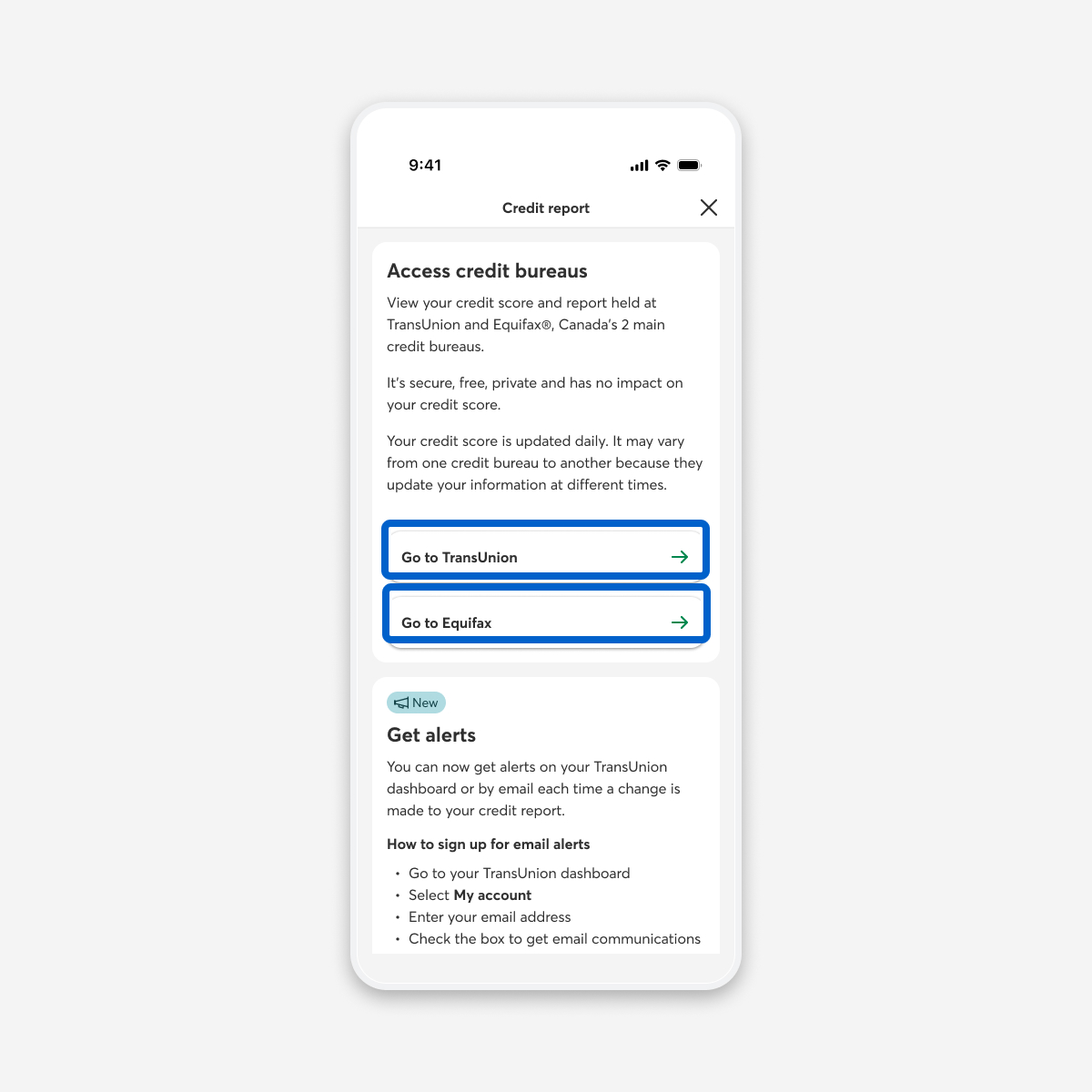
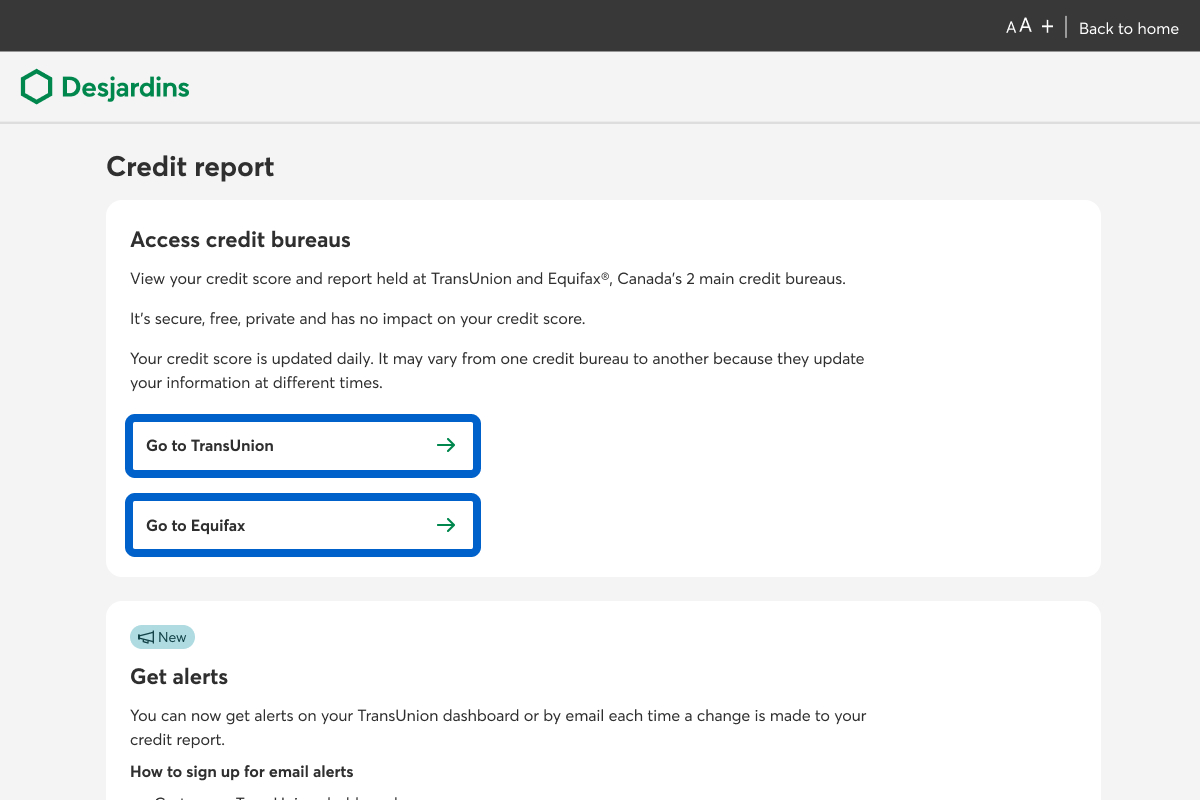
In the Access credit bureaus section, select the Go to TransUnion or Go to Equifax link.
Web browser
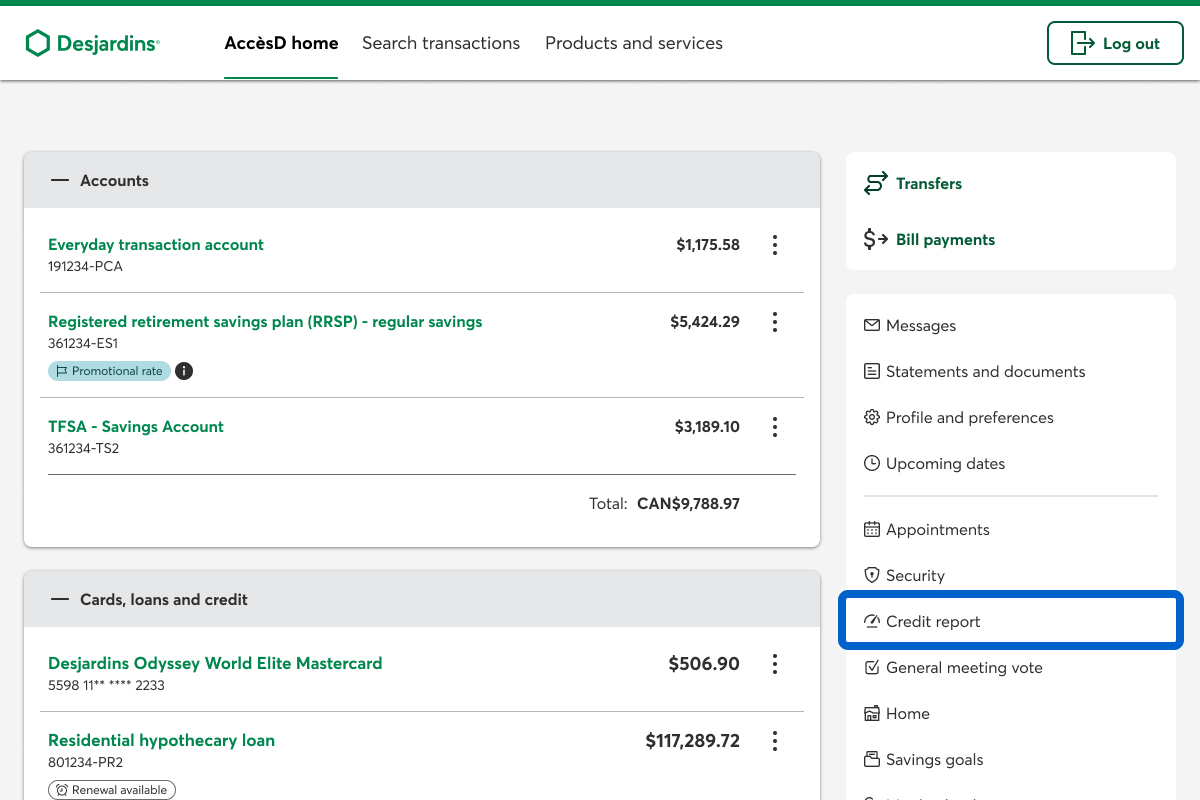
Log in to AccèsD, then select the Credit report link.
In the Access credit bureaus section, select the Go to TransUnion or Go to Equifax link.
Note
If it’s your first time checking your credit report, you have to accept the terms of use.
Call us
1-800-224-7737 This link opens your phone app. (1-800-CAISSES)
Or we can call you when it's convenient.