




AccèsD security measures
Configuring your security settings
The first time you log in to AccèsD or AccèsD Affaires, you'll need to configure your security settings. Important: No email will be sent to you asking you to do this.
Configuring your security settings consists of 2 steps:
- Selecting 3 security questions and entering the answers.
- Reviewing and confirming your new security settings.
AccèsD and AccèsD Affaires login with settings
When you next log in, enter your Desjardins Access Card number or AccèsD Affaires user code and your password:
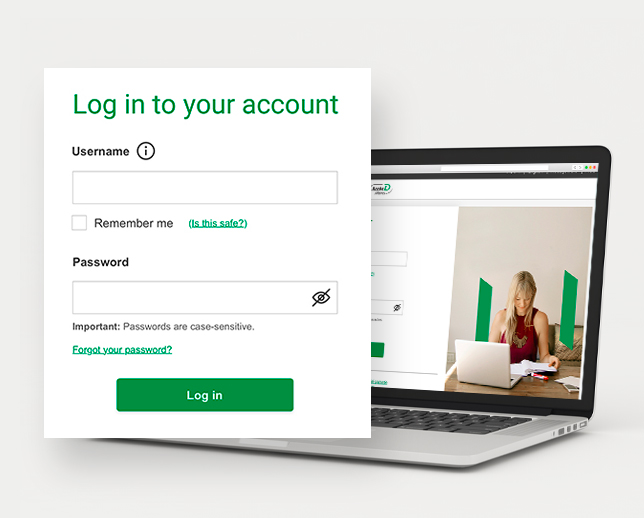
Once you've entered your password, you'll receive a single-use security code by text, push notification or phone call.
This step helps us confirm your identity. Simply enter the code you receive to access your accounts.
To find out more, see the frequently asked questions about logging in to AccèsD and AccèsD Affaires (FAQ).
If you have any other questions about the login procedure, contact an advisor for AccèsD, AccèsD Affaires (Quebec) or AccèsD Affaires (Ontario).
Secure session management
Every AccèsD online, tablet and mobile session and AccèsD Affaires session is automatically terminated after 8 minutes of inactivity. To log in again, you have to re-enter your username and password.
You should still never leave your computer, tablet or mobile device unattended if you're logged in to AccèsD or AccèsD Affaires. Always log out before leaving your desk, even when you'll only be away for a few minutes.